
CodeBlueprint is Now Live on the VS Code Marketplace
Feb 20, 2026, 17:00
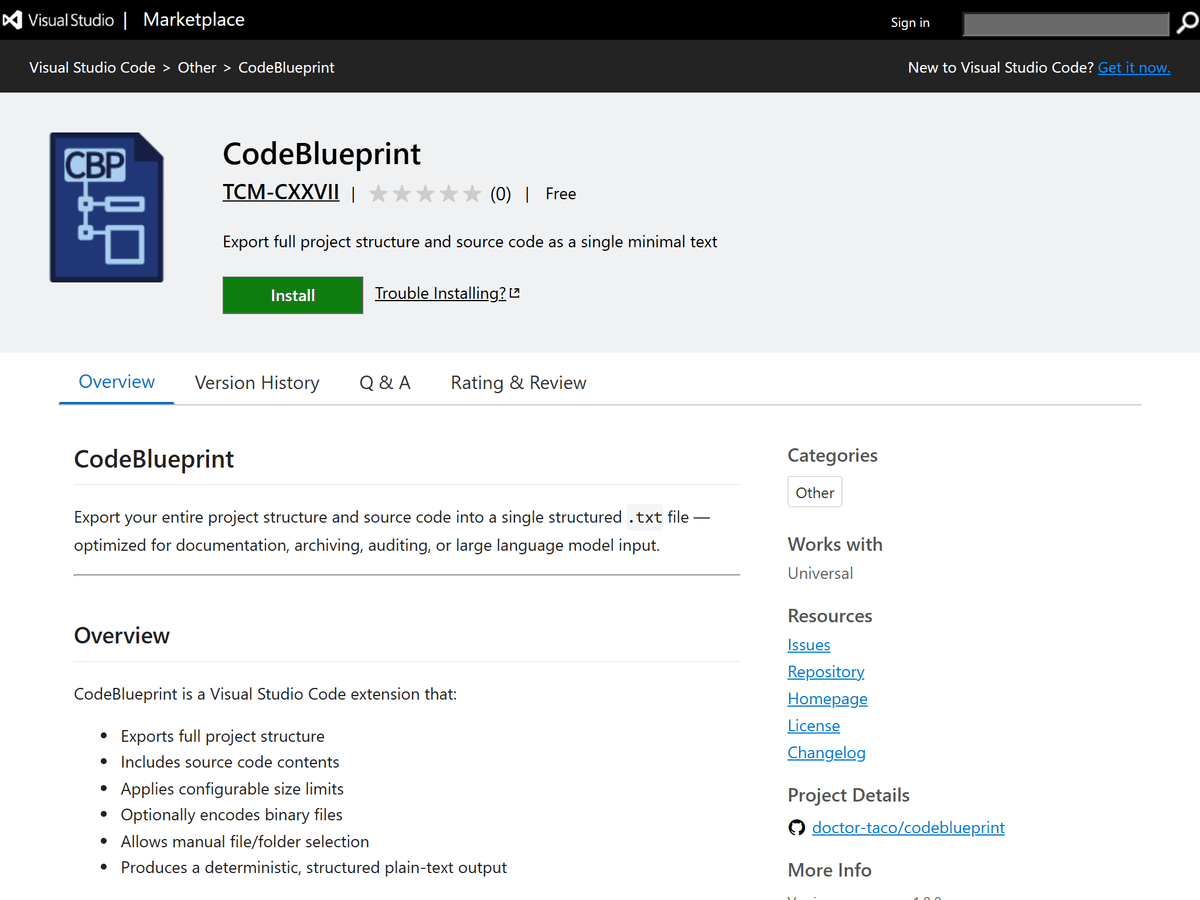
I officially released CodeBlueprint, a new extension for Visual Studio Code designed to help developers understand, visualize, and export project structure more efficiently.
CodeBlueprint is now available on the VS Code Marketplace.
What is CodeBlueprint?
CodeBlueprint helps developers generate a structured overview of their project’s architecture directly inside VS Code.
Instead of manually documenting folder hierarchies or copying directory trees, CodeBlueprint allows you to:
●Visualize folders and files instantly
●Export structured project maps
●Improve documentation workflows
●Better understand large codebases
It is especially useful for:
●Preparing architecture documentation
●Sharing project structure with teams
●Auditing large repositories
Why I Built It
Modern codebases grow quickly. Understanding structure becomes harder as complexity increases.
CodeBlueprint was created to solve a simple problem:
“How can I instantly generate a clean architectural view of my project without external tools?”
The goal was simplicity, performance, and seamless VS Code integration.
Key Features
●Lightweight and fast activation
●Clean project structure visualization
●Export-ready structure output
●Zero external dependencies
Who Is It For?
●Frontend developers
●Full-stack engineers
●DevOps engineers
●Technical writers
●Open source maintainers
If you work with structured projects, this tool helps.
Try It Today
You can install CodeBlueprint directly from the VS Code Marketplace by searching:
Or install via CLI:
Final Thoughts
CodeBlueprint is built to be simple, practical, and developer-focused.
I hope it saves you time or improves your workflow.


